




Imagine trying to fill in a contact form using only a keyboard, and the focus outline is invisible so you cannot tell which field you are on. Or listening to a screen reader announce “image, image, image” because none of the photos have descriptions. For millions of people, that is what an ordinary website feels like every day — and it is usually the result of small oversights, not bad intentions.
Web accessibility fixes that, and in 2026 it is no longer optional for most businesses. Between the Americans with Disabilities Act, the European Accessibility Act and a steady rise in legal complaints, accessibility has moved from “nice to have” to a genuine requirement. This guide explains what accessibility means, which laws apply, and the practical steps to make your site usable by everyone.
What Web Accessibility Really Means
Web accessibility means building sites that people with disabilities can perceive, understand, navigate and use. That covers a wider range of people than most assume:
- Visual. Blindness, low vision and colour blindness — users who rely on screen readers, magnification or high contrast.
- Auditory. Deafness and hearing loss — users who need captions and transcripts.
- Motor. Limited dexterity or tremor — users who navigate by keyboard, voice or switch devices rather than a mouse.
- Cognitive. Dyslexia, ADHD and memory differences — users helped by clear language, predictable layouts and good structure.
This is not a small group. The World Health Organization estimates that around 1.3 billion people — about one in six of us — live with a significant disability (World Health Organization, 2023). Accessibility is simply good design that works for more of them.
The Business Case Beyond Compliance
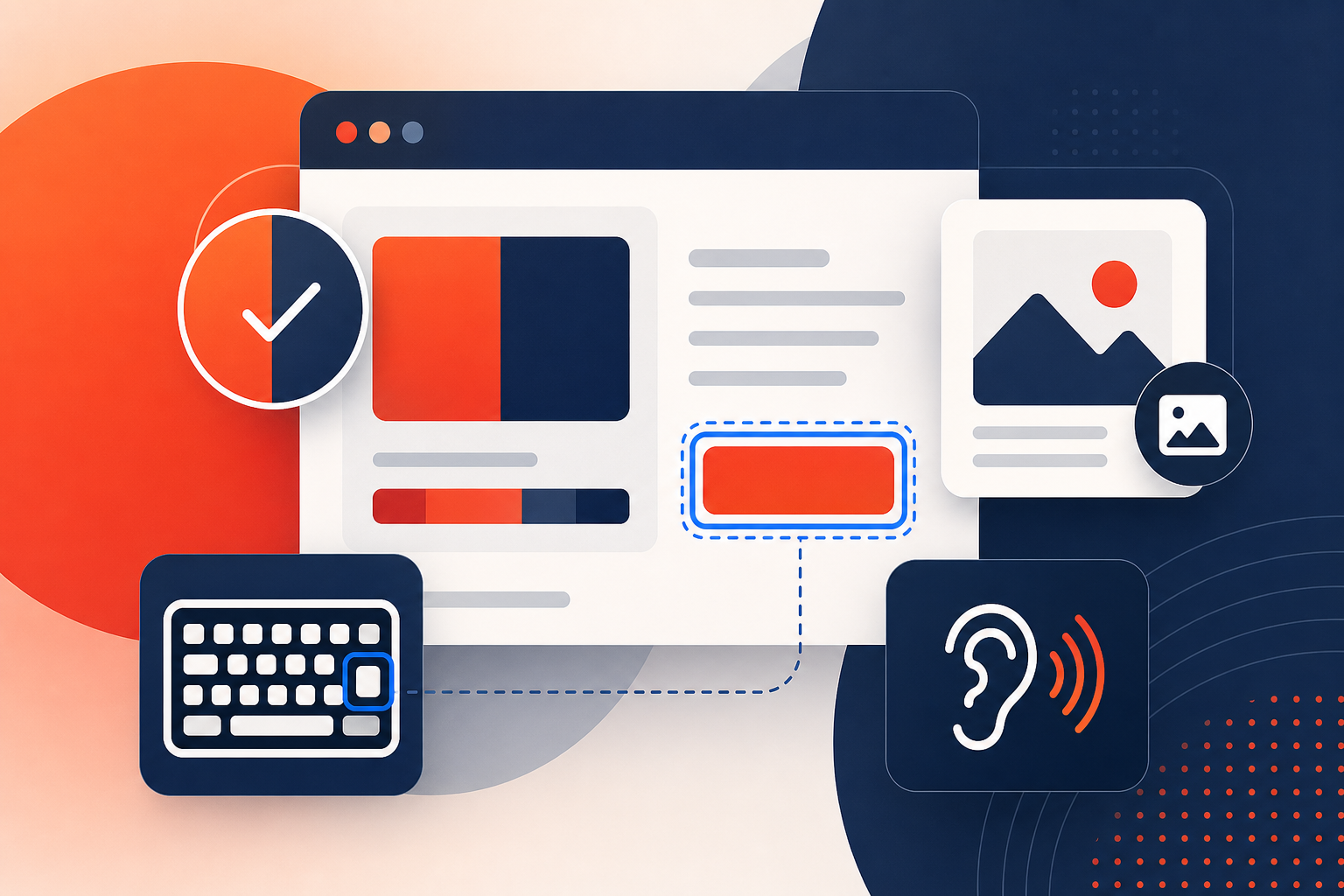
It is easy to frame accessibility as a legal chore. It is more useful to see it as growth. An inaccessible site quietly turns away a large slice of potential customers, and the fixes tend to help everyone:
- A bigger audience. When your site works for people using assistive technology, you stop losing those customers to competitors whose sites do not.
- Better SEO. Many accessibility practices — descriptive headings, alt text, clear link text, semantic HTML — are the same things search engines reward.
- Improved usability for all. Captions help people in noisy offices; high contrast helps anyone in bright sunlight; clear structure helps every reader.
- Stronger brand. An inclusive experience signals that you take your customers seriously.
In short, accessibility and good web design are the same project, approached with a little more care.
The Laws You Need to Know in 2026
You do not need to be a lawyer, but you should know which rules touch your business.
United States — the ADA
US courts have repeatedly treated business websites as “places of public accommodation” under the Americans with Disabilities Act, and web accessibility lawsuits have become common. There is no single federal checklist for private sites, so WCAG is the standard courts and settlements lean on in practice.
Europe — the European Accessibility Act
The European Accessibility Act began applying to a wide range of products and digital services from 28 June 2025, requiring many businesses that sell into the EU — including e-commerce, banking and ticketing — to meet accessibility requirements (European Commission, 2024). If you trade with EU customers, this likely affects you even if you are based elsewhere.
The common thread
Across the USA, UK, EU and Australia, the laws differ in wording but converge on the same technical benchmark: the Web Content Accessibility Guidelines, usually at Level AA. Meet WCAG and you address the substance of nearly every regulation at once.
WCAG 2.2 in Plain English
WCAG 2.2 is the current version of the guidelines from the W3C, the body that sets web standards. It is built on four principles, easy to remember by the acronym POUR (W3C Web Accessibility Initiative, 2023):
- Perceivable. People must be able to perceive the content — alt text for images, captions for video, enough colour contrast.
- Operable. People must be able to operate the interface — full keyboard access, visible focus, no time traps.
- Understandable. Content and controls must be clear and predictable — plain language, consistent navigation, helpful errors.
- Robust. Content must work reliably with browsers and assistive technologies, which means clean, standards-based code.
Most organisations aim for Level AA, the middle of three conformance levels and the one named in most legislation. WCAG 2.2 added newer requirements around focus visibility, dragging alternatives and larger touch targets that reflect how people actually use modern devices.
Accessibility Quick Wins You Can Start Today
You do not have to fix everything at once. These changes deliver outsized benefit and are a sensible first pass:
- Add meaningful alt text to images that carry information, and mark decorative images so screen readers skip them.
- Check colour contrast between text and background — aim for the WCAG AA ratio so text stays readable.
- Make everything keyboard-friendly. Tab through your site. If you cannot reach a link, button or form field without a mouse, neither can many of your visitors.
- Keep a visible focus indicator so keyboard users can always see where they are.
- Use proper headings in order (one H1, then H2s and H3s) instead of styling text to merely look like a heading.
- Label every form field and write error messages that explain how to fix the problem.
- Add captions and transcripts to video and audio content.
Run an automated checker to catch the obvious issues, but remember it only finds part of the picture. Real confidence comes from testing with a keyboard and a screen reader, and ideally with people who use assistive technology every day.
Why Overlay Widgets Are Not a Shortcut
You have probably seen ads for accessibility “overlays” — a single line of JavaScript that promises instant compliance. It is tempting, and it is the wrong answer. Accessibility experts and many people who actually rely on assistive technology have warned that overlays often fail to fix underlying problems and can even interfere with the screen readers users already have configured (Overlay Fact Sheet, 2024).
There is no shortcut around well-built HTML. Real accessibility lives in the structure of your site, which is exactly why it is best handled during design and development rather than bolted on afterwards. If your site needs that foundation, our team builds it in from day one.
Frequently Asked Questions
What is web accessibility?
It is designing and building websites so people with disabilities can perceive, understand, navigate and interact with them — including users who are blind or low-vision, deaf, have motor impairments, or have cognitive differences.
Is my website legally required to be accessible?
Often, yes. The ADA in the USA and the European Accessibility Act in the EU require many businesses to make digital services accessible. Even where the law is vaguer, accessibility lowers legal risk and widens your audience.
What is WCAG 2.2?
It is the latest Web Content Accessibility Guidelines from the W3C and the global benchmark for accessible content. It is organised around four principles — perceivable, operable, understandable, robust — with Level AA the usual compliance target.
Do accessibility overlays make my site compliant?
No. Overlay widgets often fail to fix the underlying code and can interfere with the assistive technology people already use. Genuine accessibility comes from well-structured HTML, not a one-line script.
How much does it cost to make a website accessible?
It varies with the size and condition of the site. Building accessibility in from the start adds little cost, while retrofitting an older site takes more effort. Either way it is far cheaper than a lawsuit or lost customers.
Build a Website That Works for Everyone
Accessibility is where doing the right thing and the smart thing line up. You reduce legal risk, reach more customers, and end up with a cleaner, faster, better-built site as a bonus. The key is to treat it as part of how you design and develop, not a patch applied at the end.
Not sure if your site meets WCAG and ADA standards?
References
- World Health Organization. “Disability.” who.int, 2023.
- European Commission. “European accessibility act.” ec.europa.eu, 2024.
- W3C Web Accessibility Initiative. “WCAG 2 Overview.” w3.org, 2023.
- Overlay Fact Sheet. “Accessibility overlays and their limitations.” overlayfactsheet.com, 2024.