




Most people will never tell you your website is slow. They will just leave. A half-second of hesitation when a page loads, a button that does nothing for a beat after they tap it, a layout that jumps as an ad slots in — each one chips away at trust, and most of it happens before a visitor has read a word.
Core Web Vitals are Google’s attempt to put numbers on that feeling. For businesses in the USA, UK and Australia competing for the same customers, those numbers have become part of how you rank and a big part of whether visitors stick around long enough to convert. This guide explains what the metrics mean in 2026, why the responsiveness metric INP trips so many sites up, and the fixes that actually move the needle.
What Core Web Vitals Are in 2026
Core Web Vitals are three measurements of real-world page experience. Each one captures a different moment in how a page feels to use:
- Largest Contentful Paint (LCP) — how quickly the main content loads. Aim for 2.5 seconds or less.
- Interaction to Next Paint (INP) — how quickly the page responds to taps, clicks and key presses. Aim for 200 milliseconds or less.
- Cumulative Layout Shift (CLS) — how much the layout jumps around while loading. Aim for 0.1 or less.
The big change in recent times is INP. In March 2024, Google retired the old First Input Delay metric and replaced it with Interaction to Next Paint, which measures the full responsiveness of a page across a visit rather than just the first interaction (web.dev, 2024). It is a tougher, more honest measure — and a lot of sites that looked fine under the old metric suddenly had work to do.
Why Speed Still Pays the Bills
It is tempting to treat performance as a technical box to tick. In reality it is a revenue lever. Google’s own research has long shown that as page load time climbs, the chance a visitor leaves rises sharply — the probability of a bounce increases noticeably as load time grows from one to several seconds (Think with Google, 2018).
There are two reasons to care, and they reinforce each other:
- Search. Google uses page experience, including Core Web Vitals, as a ranking signal. It will not save weak content, but between two comparable pages, the faster, steadier one has an edge (Google Search Central, 2024).
- Conversions. Every bit of friction costs you sign-ups, sales and enquiries. A fast site is not a vanity score; it is more of the traffic you already paid for turning into customers.
In other words, the work you do for Core Web Vitals does double duty. You please the algorithm and the human at the same time.
Getting to Grips with INP

INP is the metric most teams underestimate. It measures the delay between a user interacting and the page visibly updating in response. The usual culprit is JavaScript: heavy scripts hog the browser’s main thread, so when someone clicks, the browser is busy and the screen freezes for a moment.
Common causes of poor INP
- Too much JavaScript running at once. Large bundles and third-party tags block the main thread.
- Long tasks. Single chunks of work that run for more than 50 milliseconds delay everything queued behind them.
- Heavy event handlers. Doing expensive work on every click, scroll or key press.
How to improve it
- Break long tasks into smaller pieces so the browser can respond between them.
- Defer or lazy-load non-critical scripts, and audit third-party tags ruthlessly — analytics, chat widgets and ad scripts add up fast.
- Show immediate visual feedback on interaction, then do the heavy lifting after the screen updates.
- Use the browser’s built-in scheduling so urgent work jumps the queue.
Google’s guidance on optimising INP is the most reliable starting point, with concrete patterns for finding and fixing the slow interactions (web.dev, 2024).
Fixing LCP and Layout Shift
The other two vitals are usually more straightforward to tame.
Largest Contentful Paint
LCP is almost always about the biggest thing on screen — often a hero image or headline. To improve it:
- Compress and serve images in modern formats like WebP or AVIF, and size them correctly for the device.
- Preload the hero image and any critical fonts so the browser fetches them early.
- Reduce server response time with good hosting and caching.
- Trim render-blocking CSS and JavaScript that delay the first meaningful paint.
Cumulative Layout Shift
CLS is the annoyance of content jumping as the page loads. The fixes are mostly about reserving space:
- Always set
widthandheight(or an aspect ratio) on images and embeds. - Reserve space for ads, banners and dynamic content rather than letting it push the page around.
- Preload fonts and use sensible fallbacks to avoid sudden text reflow.
These same principles guide how we build every site, which is why performance is part of our web development services rather than an afterthought.
Lab Data vs Real-World Data
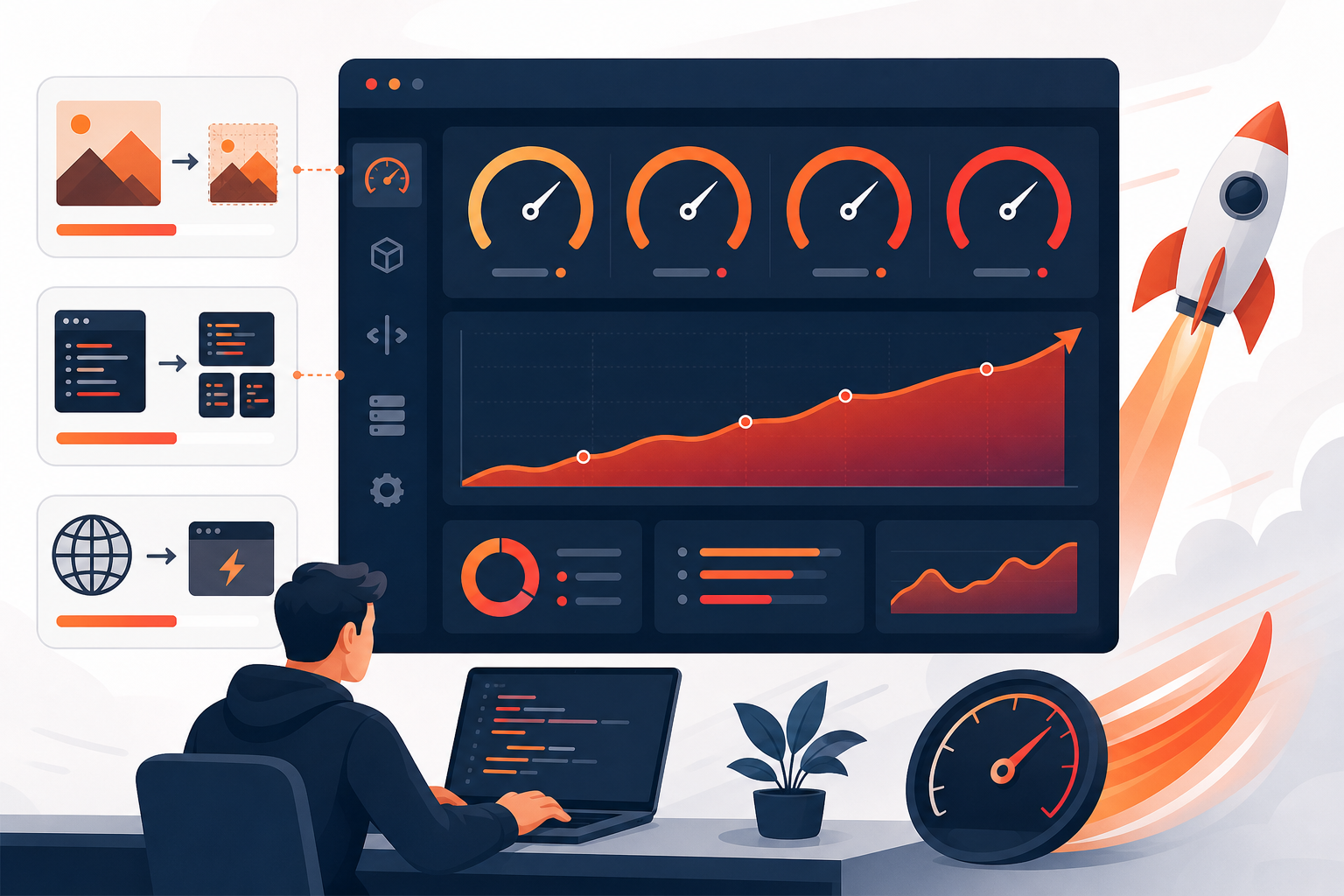
One trap catches a lot of business owners: the difference between lab data and field data. A tool like Lighthouse runs a single test on a simulated device — useful for debugging, but not the whole story. Google’s actual page experience assessment uses field data: anonymised measurements from real Chrome users, collected in the Chrome User Experience Report (Chrome for Developers, 2024).
The practical takeaway: a perfect Lighthouse score does not guarantee good Core Web Vitals in the wild. Your real users may be on older phones and slower networks. Always check field data in Search Console or PageSpeed Insights before declaring victory, and watch the 28-day rolling trend rather than a single run.
A Practical Performance Checklist
If you want a place to start this week, work through this list in order:
- Pull your current field data from PageSpeed Insights and the Core Web Vitals report in Search Console.
- Identify which of the three metrics is failing and on which page templates.
- Compress and modernise images; this alone often rescues LCP.
- Audit third-party scripts and remove anything that is not earning its keep.
- Reserve space for images, ads and embeds to stabilise CLS.
- Profile your slowest interactions to chase down INP problems.
- Re-measure after a few weeks once field data has refreshed.
Frequently Asked Questions
What are Core Web Vitals?
They are three metrics Google uses to measure real page experience: LCP for loading, INP for responsiveness and CLS for visual stability. Together they reflect how fast and stable a page feels to actual visitors.
What is a good INP score?
200 milliseconds or less is good, 200 to 500 needs improvement, and over 500 is poor. INP measures how quickly a page responds to interactions like taps and clicks across the whole visit.
Do Core Web Vitals affect SEO rankings?
Yes, as one signal among many. Content quality matters most, but when pages are otherwise similar, better Core Web Vitals can be the tie-breaker — and they reliably lift conversions too.
Why is my Lighthouse score good but my Core Web Vitals are failing?
Lighthouse is a lab test on a simulated device. Google grades you on field data from real Chrome users, who may be on slower phones and networks. Always confirm with field data, not just lab scores.
How often should I check Core Web Vitals?
Review them monthly, and always after a redesign, a new plugin or a marketing tag is added. Field data updates on a rolling 28-day window, so give changes a few weeks before judging the result.
Turn Speed Into Growth
Core Web Vitals reward the same thing your customers want: a site that loads fast, responds instantly and never jumps around under their thumb. Get them right and you improve search visibility and conversions in one move — no trade-off required.
Is your website fast enough to compete?
References
- web.dev. “Interaction to Next Paint becomes a Core Web Vital.” web.dev, 2024.
- Think with Google. “Find out how you stack up to new industry benchmarks for mobile page speed.” thinkwithgoogle.com, 2018.
- Google Search Central. “Understanding page experience in Google Search results.” developers.google.com, 2024.
- web.dev. “Optimize Interaction to Next Paint.” web.dev, 2024.
- Chrome for Developers. “Chrome User Experience Report.” developer.chrome.com, 2024.